
Emulators that support PlayCase
The PlayCase is officially compatible with ManicEMU, Ignited and Delta emulators.
These emulators have agreed to integrate PlayCase and support features like repositioning the in-game pause menu when using a PlayCase skin.
If you’re using a different emulator and want to check compatibility, send us a message and join us on Discord and we’ll help you see if it’ll work or offer guidance on setup.



PlayCase Skins
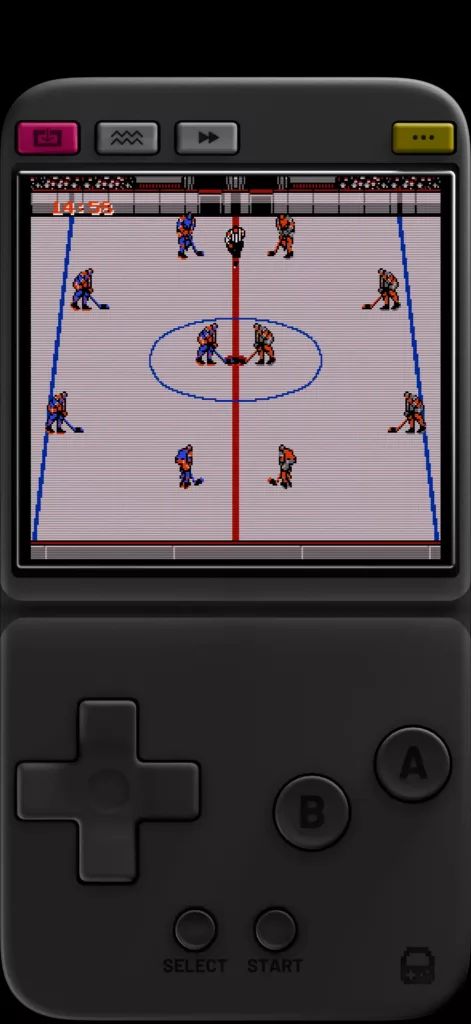
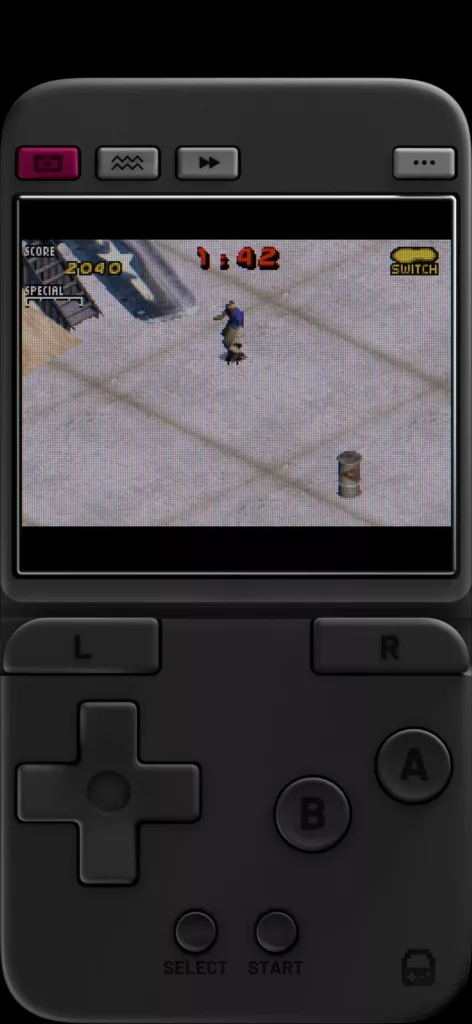
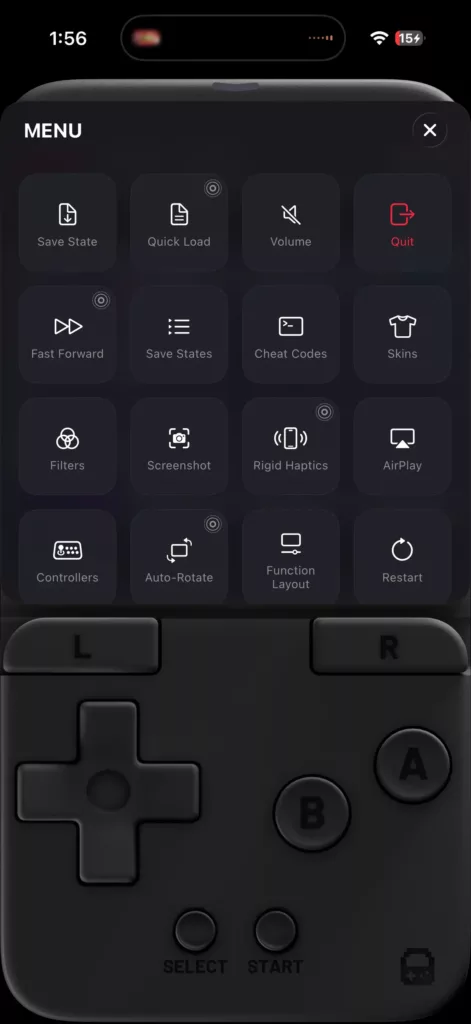
PlayCase skins are required for your buttons to line up correctly with the faceplate. You can download the correct skins for each console from our Skins page.
Troubleshooting
The inserts to the faceplates fell out/broke off. How do I replace them?
- Replacement Inserts
- Faceplate
- fine-tip tweezers or equivilant
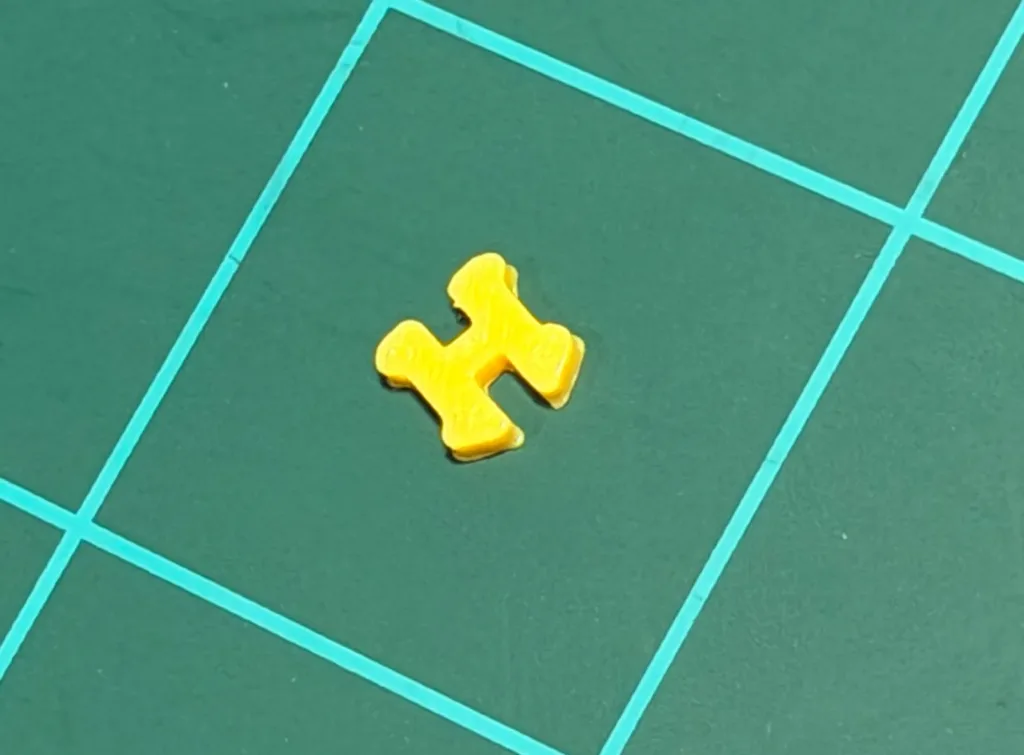

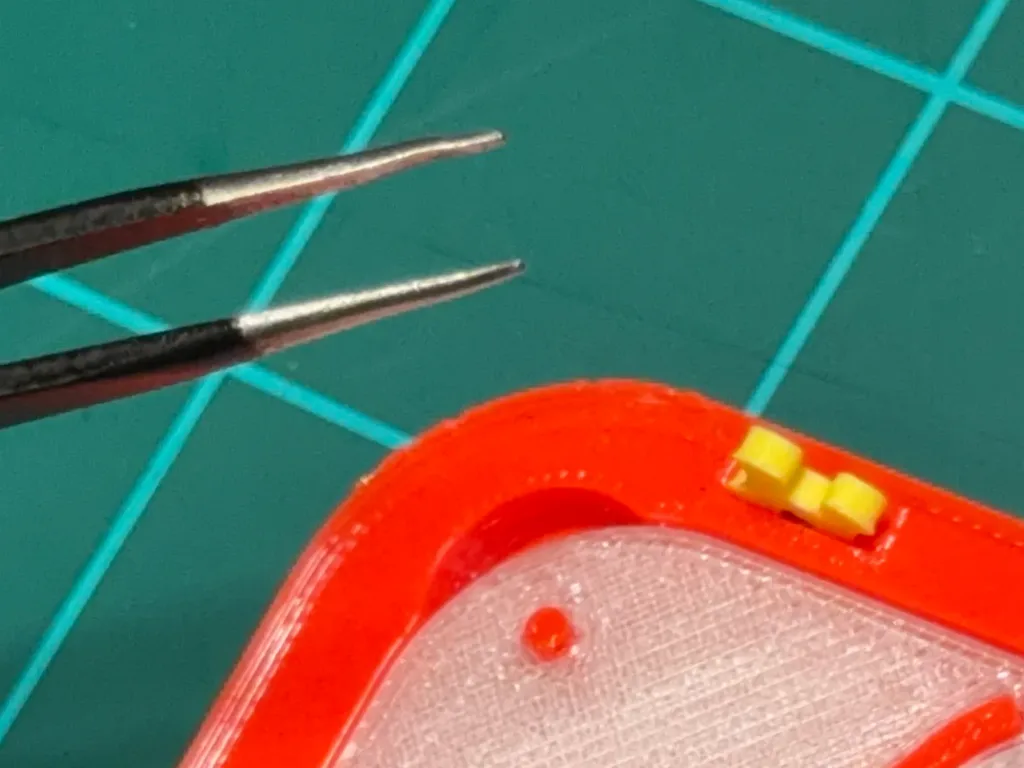
Make sure the slot is cleared of debris.
Place the replacement insert into its slot at a 45 degree angle.
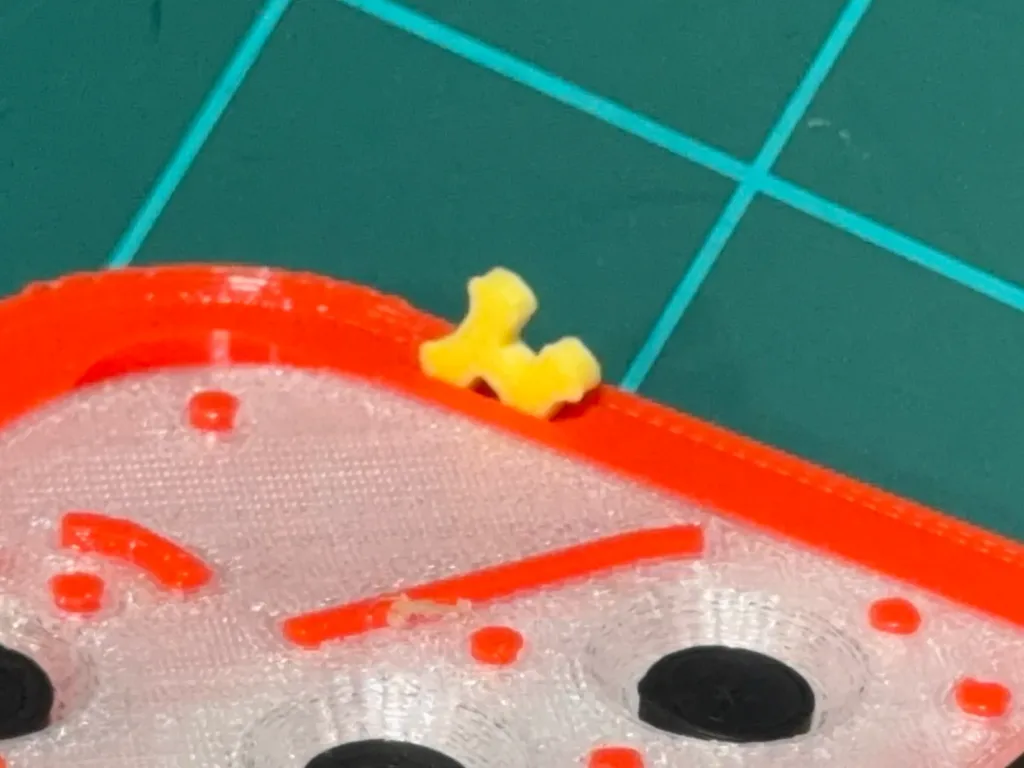
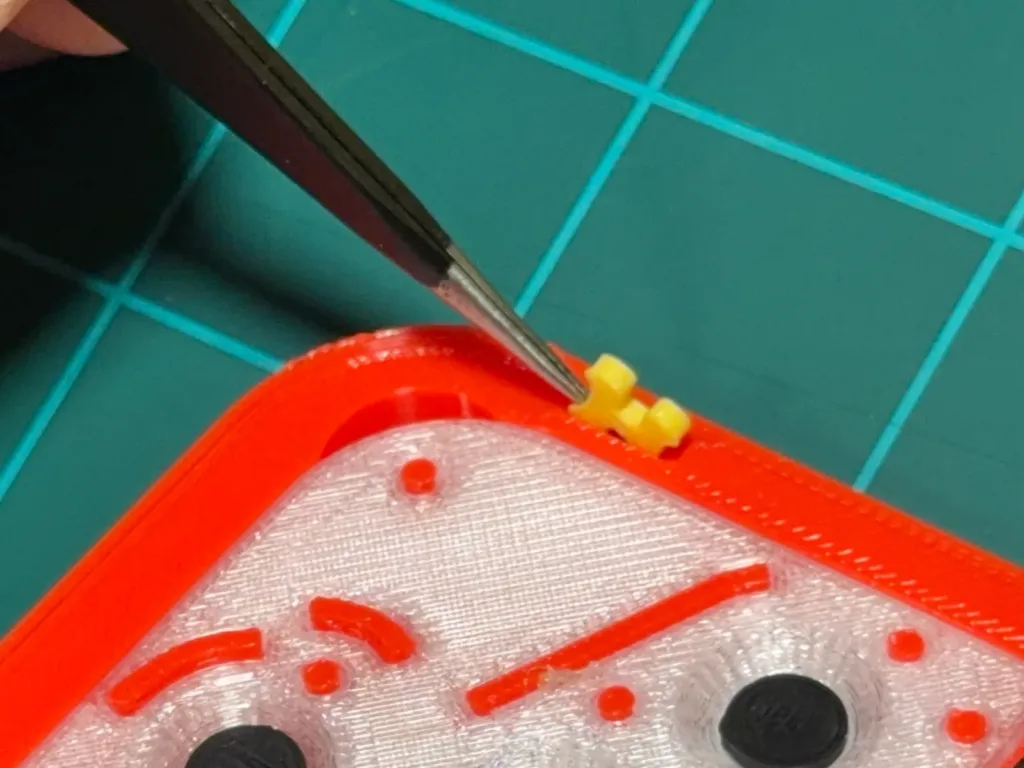
Wedge the tool into the raised side of the insert.
Push the tool into the insert. The insert should slip into the slot.

Using the tool, lightly squeeze the top insert tabs into themselves.

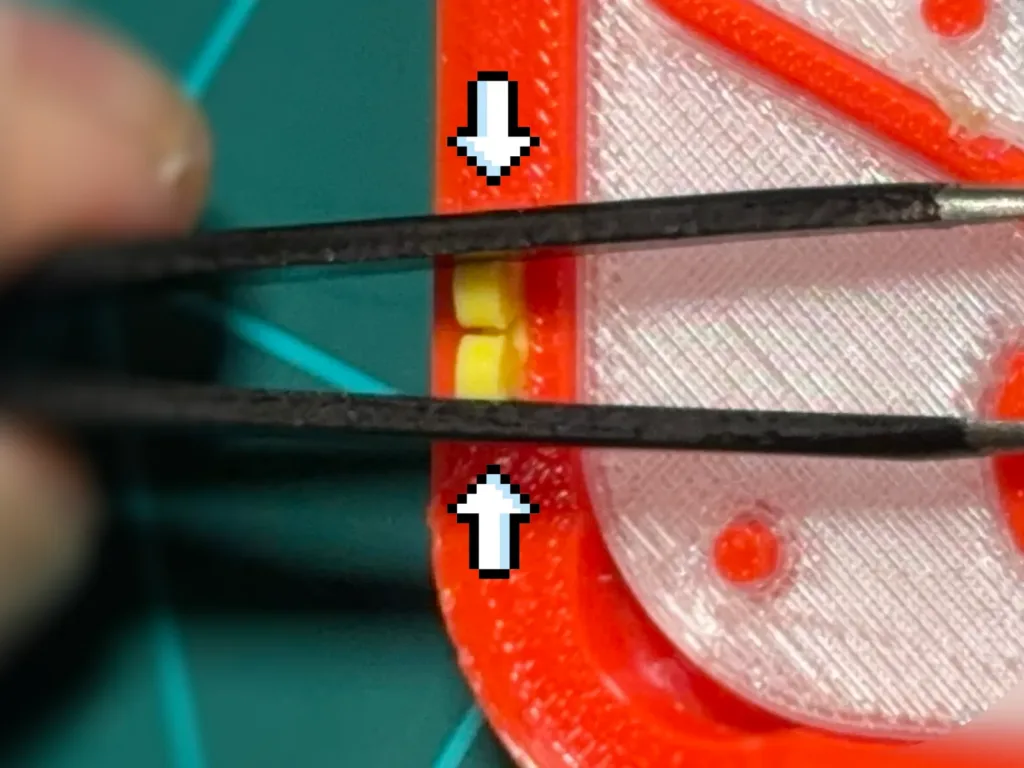
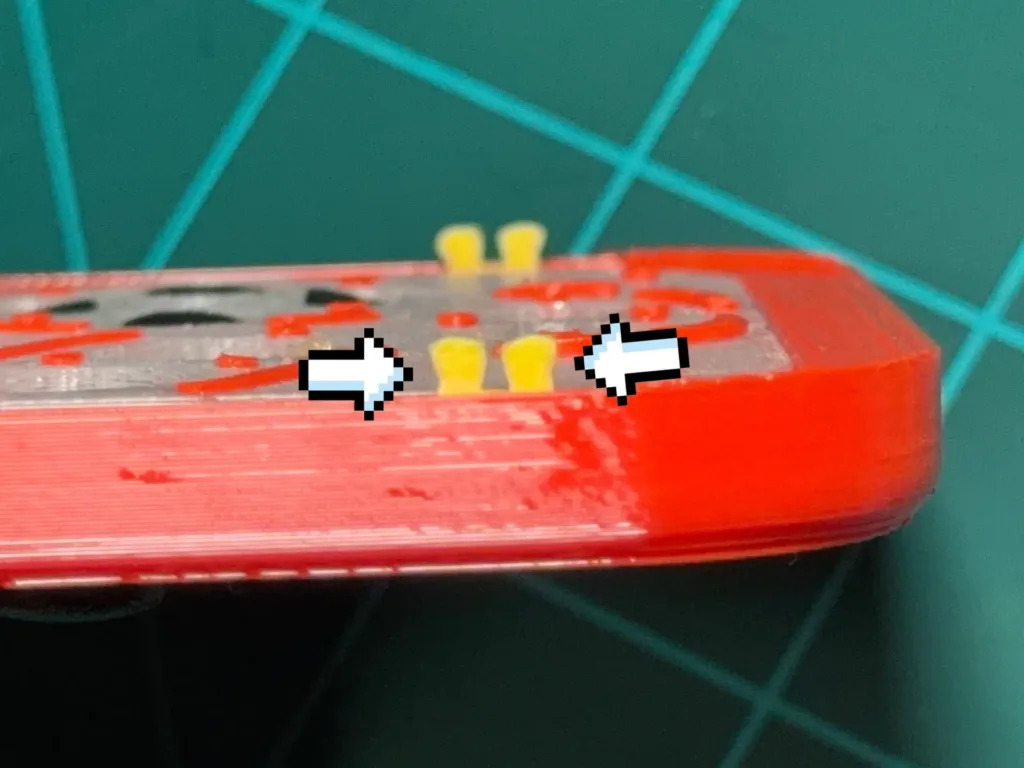
The inserts may flex outward from this position slightly.
The touch pad inserts fell out/broke off. How do I replace them?
- Replacement Touch Pad Inserts
- Blunt, thin tool
- Faceplate


Insert the tool into the slot under the broken piece.
Push under the piece and lift.

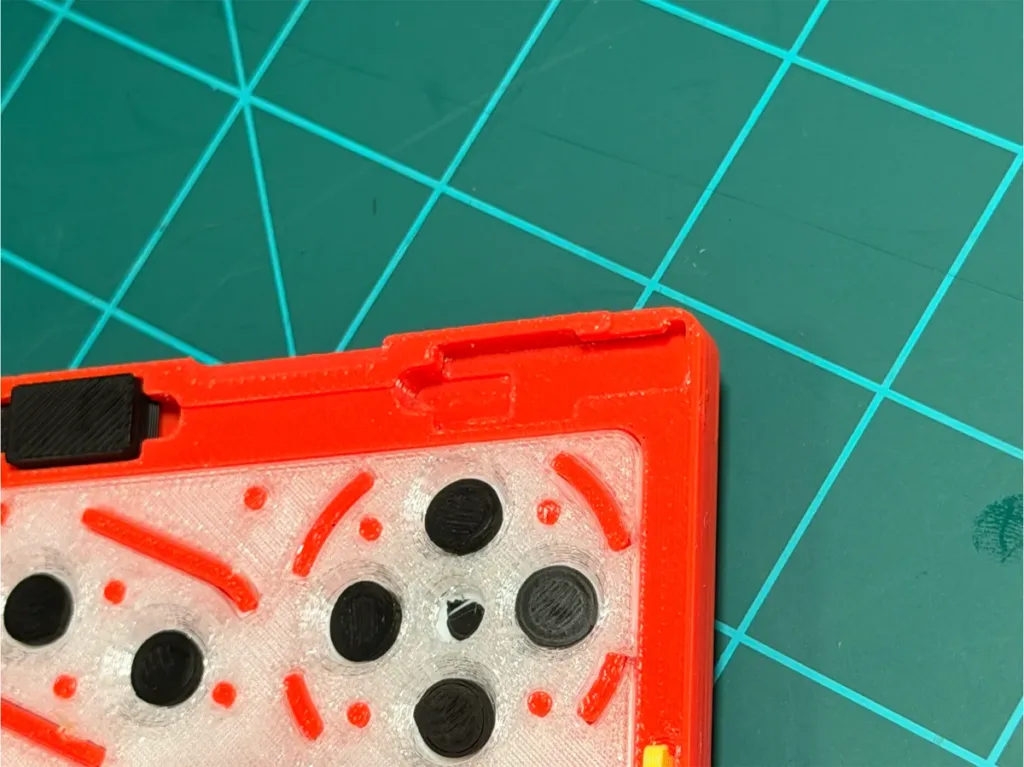
Ensure the slot is clear of debris.
Slide the insert into the slot and push down.
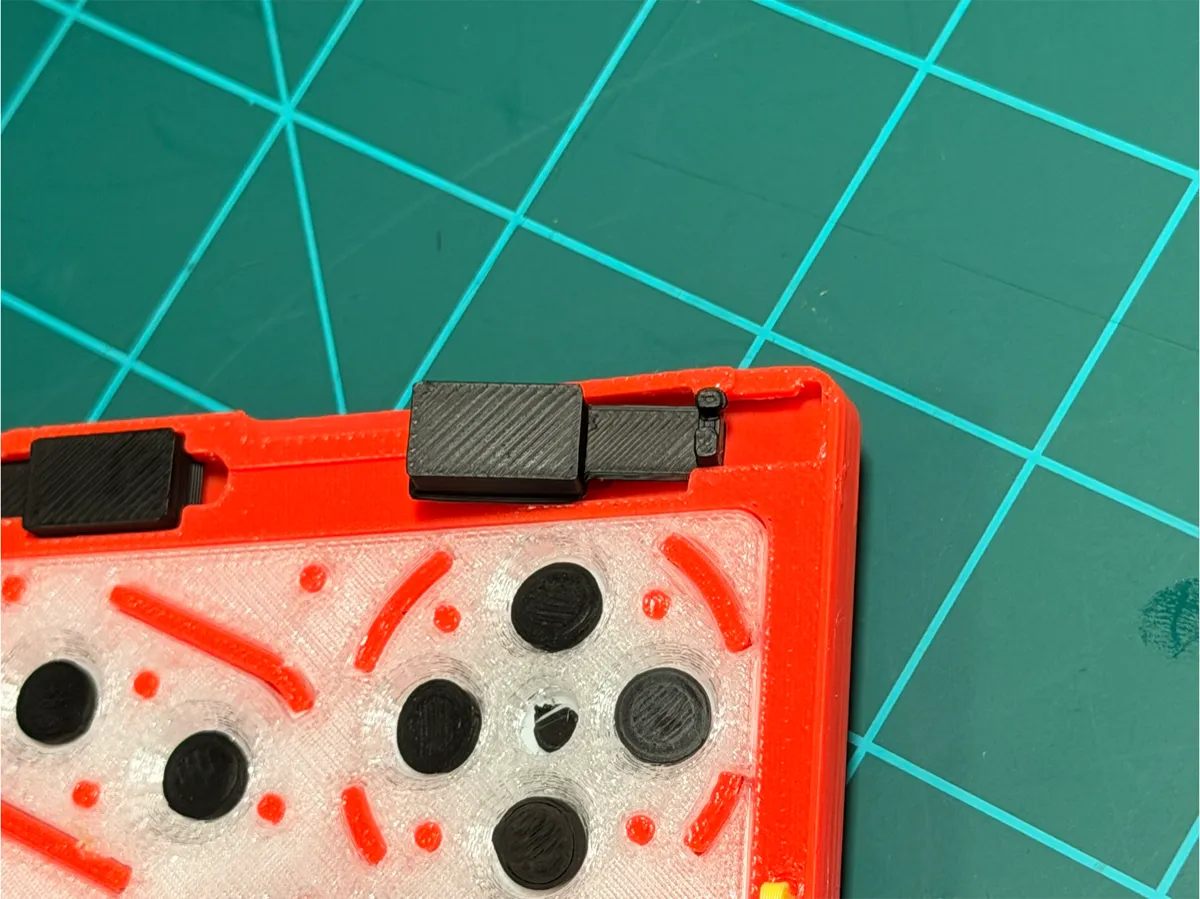
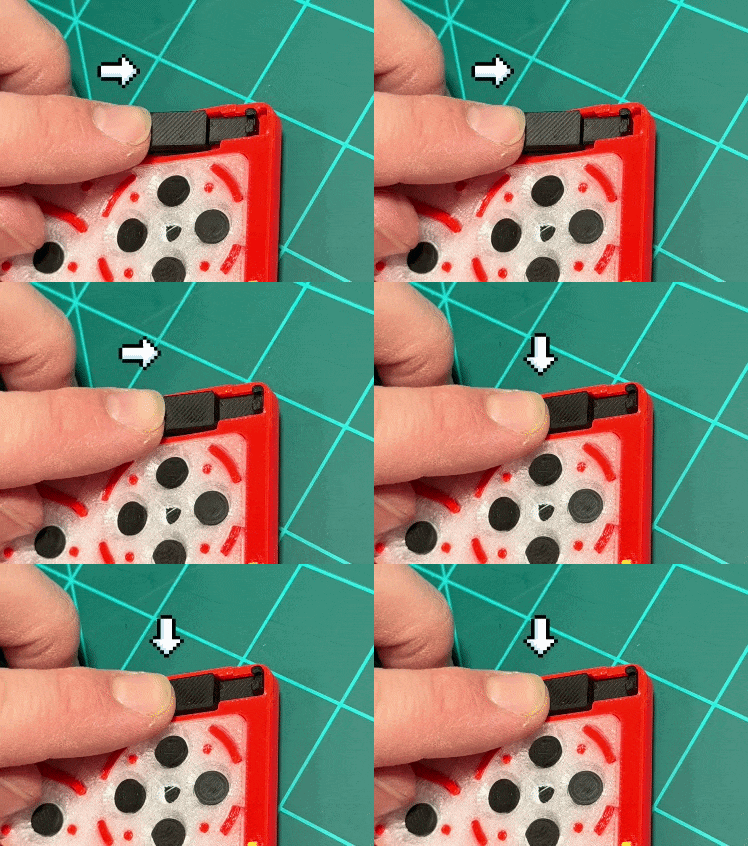
The insert pad’s surface should be parallel with your phones screen.
My faceplate is not snapping into the case properly.
The clips that snap the faceplate onto the case are printed with PETG, a durable thermoplastic that bends under pressure. If the clips seem to be too wide and are not snapping in, pinch the tabs closer together.
The L/R triggers are not working as expected.
Guide coming soon.
The Phone's power/volume/action button is being held down when the case is installed.
Just let us know by providing an image of what was delivered. We’ll get a new one fabricated and sent to you right away!
I've started playing a game and the buttons in-game don't line up with the faceplate.
That usually means you’re using the default emulator layout.
To fix this, you’ll need to select the PlayCase skin inside your emulator.In Delta or ManicEMU, open the emulator’s settings and choose the PlayCase skin that matches your console (for example, Game Boy Advance, SNES, or N64).
Once applied, the on-screen buttons will align perfectly with your faceplate’s physical layout.If you don’t see the PlayCase skin listed, download it from your order email or our support page, then import it into your emulator.
My trigger broke. How do I install a new one?
Coming Soon
I am trying to add a skin and it is blacked out when I navigate to it.
Guide coming soon.
Frequently Asked Questions
Will you make a faceplate for [X] emulator?
Yes! We add new faceplates based on demand—tell us which emulator you want on our Customer Support page and we’ll look into it!
I am unhappy with my purchase. Can I get a refund?
Yes — we want you to love your PlayCase.
If you’re in the U.S., you can return your order within 60 days of delivery for a full refund, even if it’s been used. If it arrived damaged or defective, we’ll replace it or cover the return shipping.
If you’re outside the U.S., we don’t accept standard returns due to international shipping costs — but if your item is defective, just send us photos or a short video, and we’ll work with you to make it right.
Your satisfaction is our top priority.
I was shipped the wrong case. Do I need to return it before requesting a new one?
Just let us know by providing an image of the product. We’ll get a new one fabricated and sent to you right away!
My shipment is missing replacement parts.
Just let us know by providing an image of what was delivered. We’ll get a new one fabricated and sent to you right away!
Will this be available for Android devices?
I’d love for PlayCase to come to Android!
Your support helps make that possible — so be sure to sign up for our newsletter and join our Discord to let us know you’re interested.
The more requests we get, the sooner we can bring PlayCase to Android devices.
Can I make my own PlayCase skins?
Yes! Guide coming soon.