

PlayCase Arcade
Free games made for your faceplate
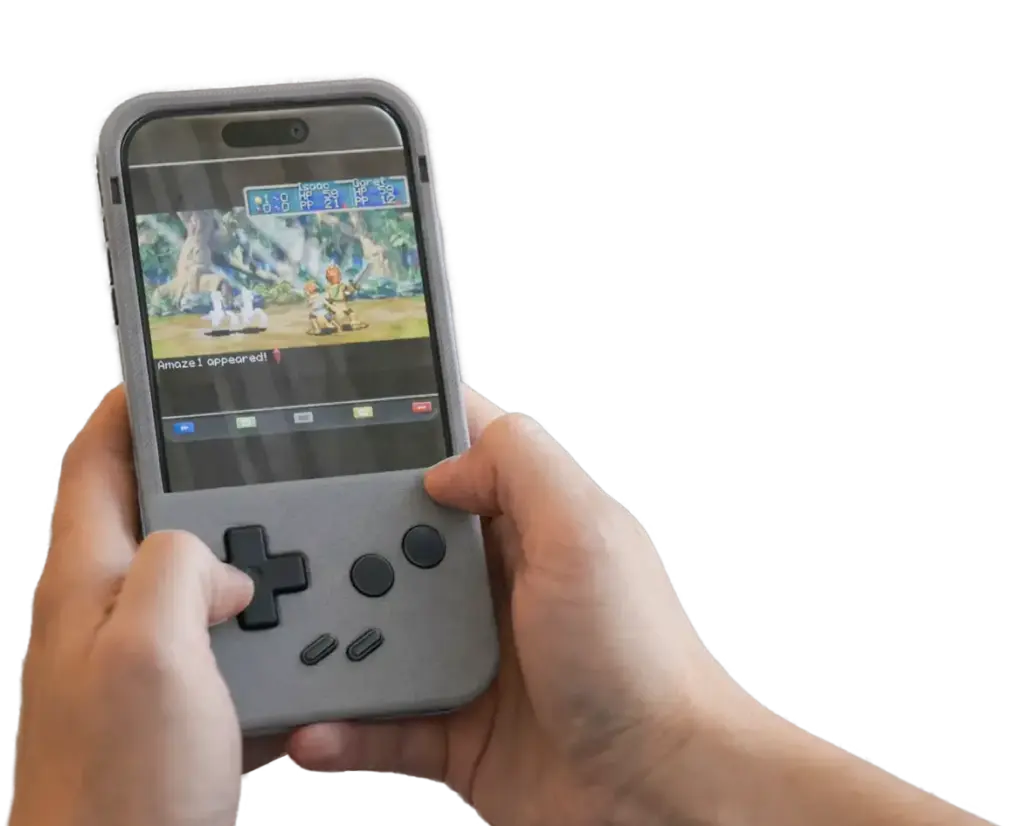
24 original games, from kart racing to pinball, built around real PlayCase buttons. Free for everyone on iPhone and the web.


The Games
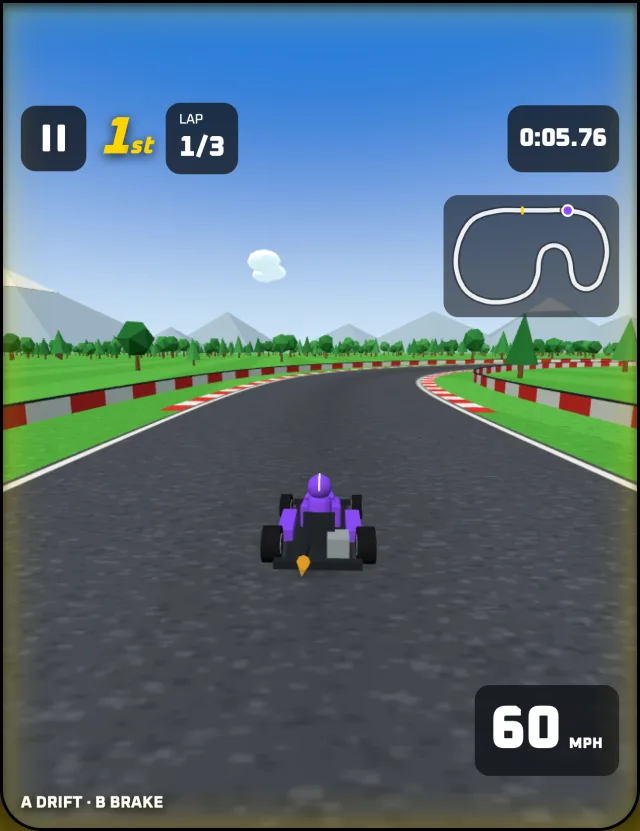
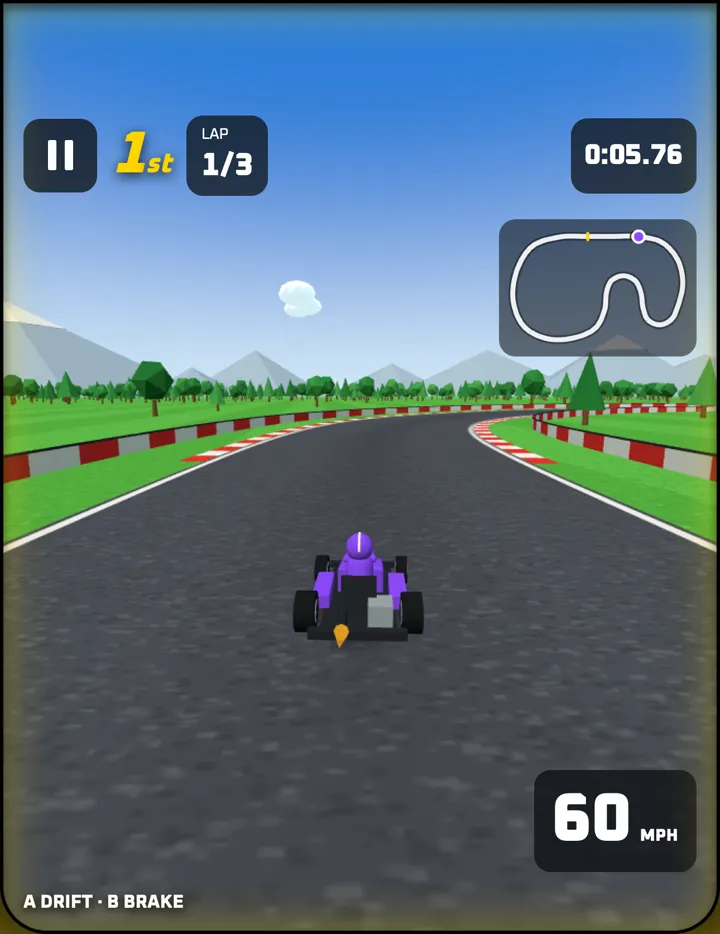 AcceleracingSteer · Drift · Brake
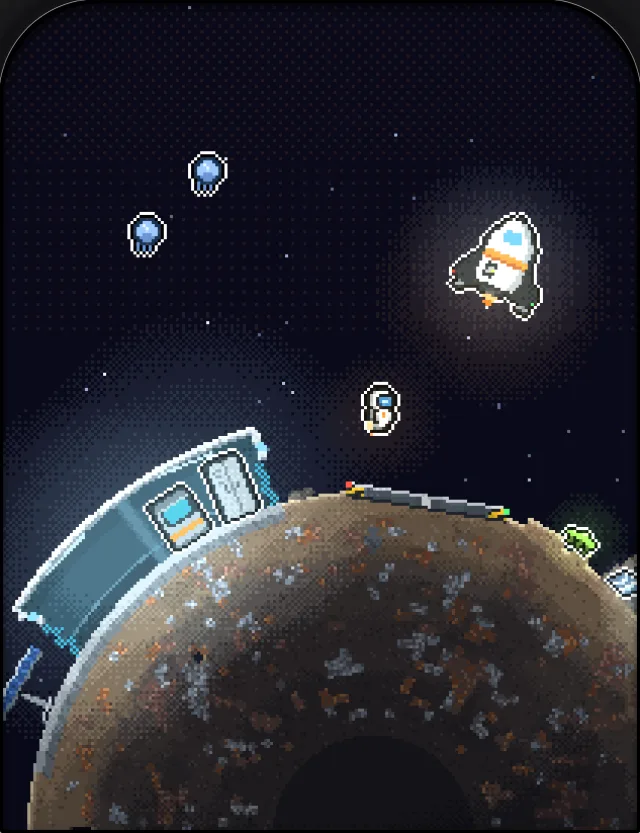
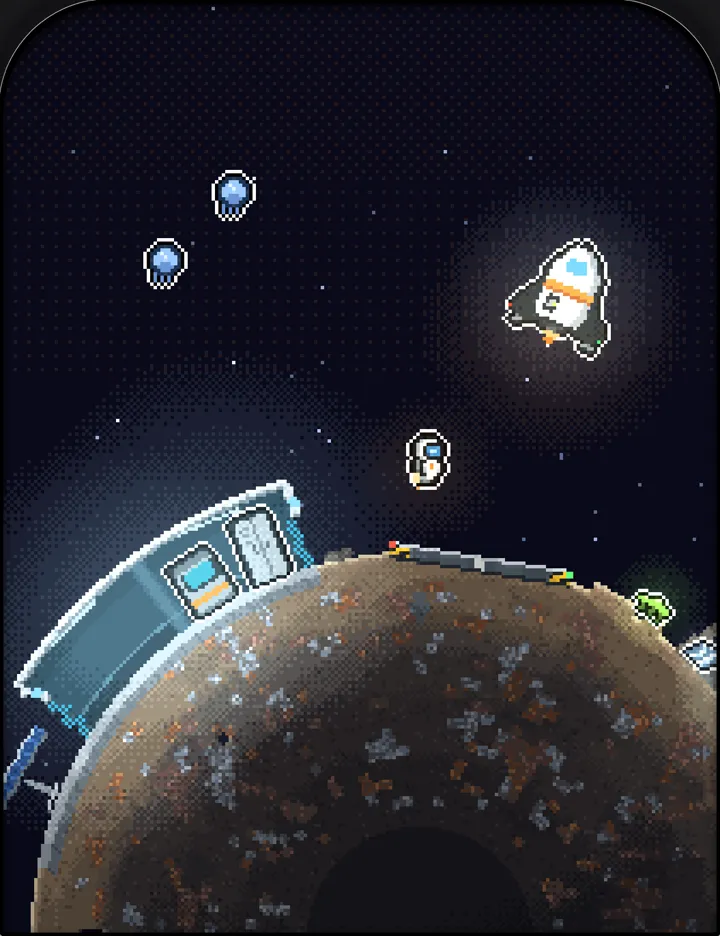 Deep FieldGather · Dig · Build · Fly
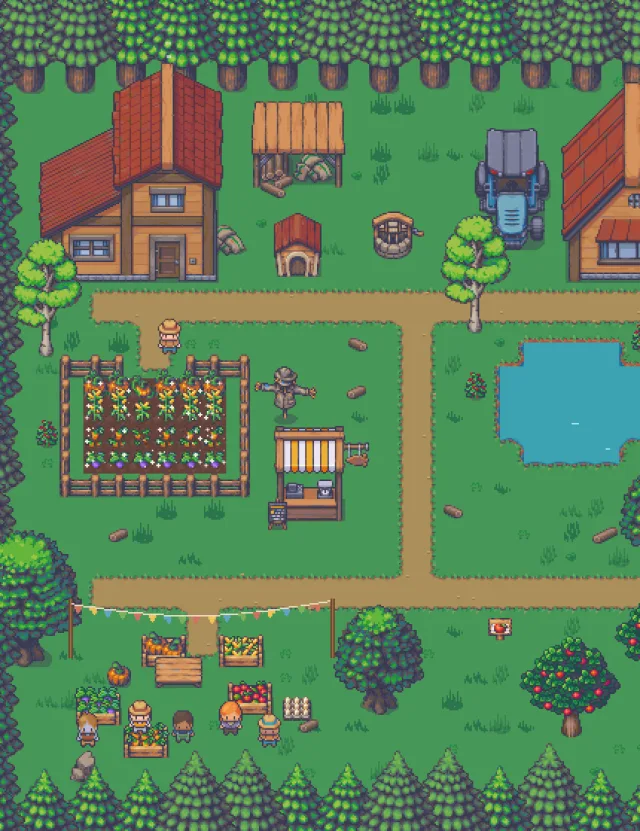
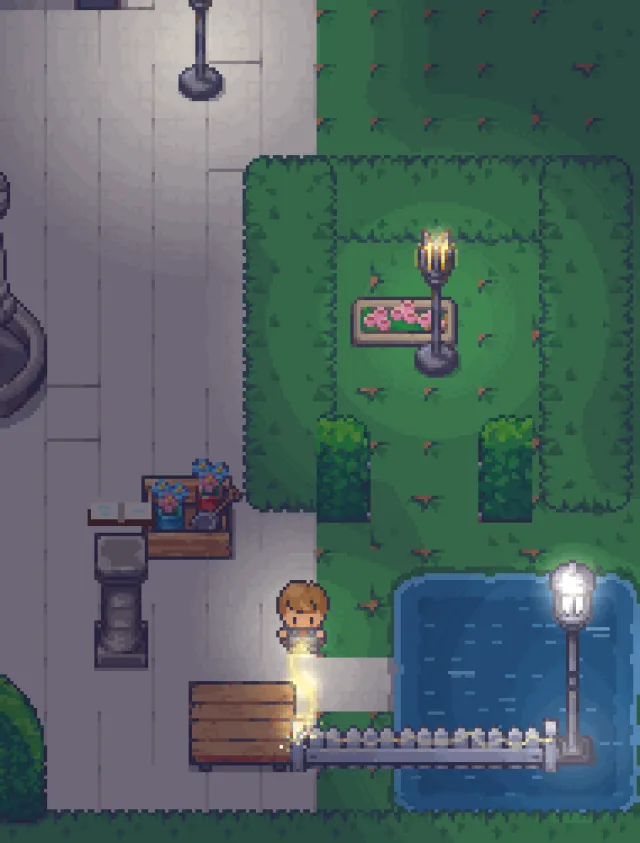
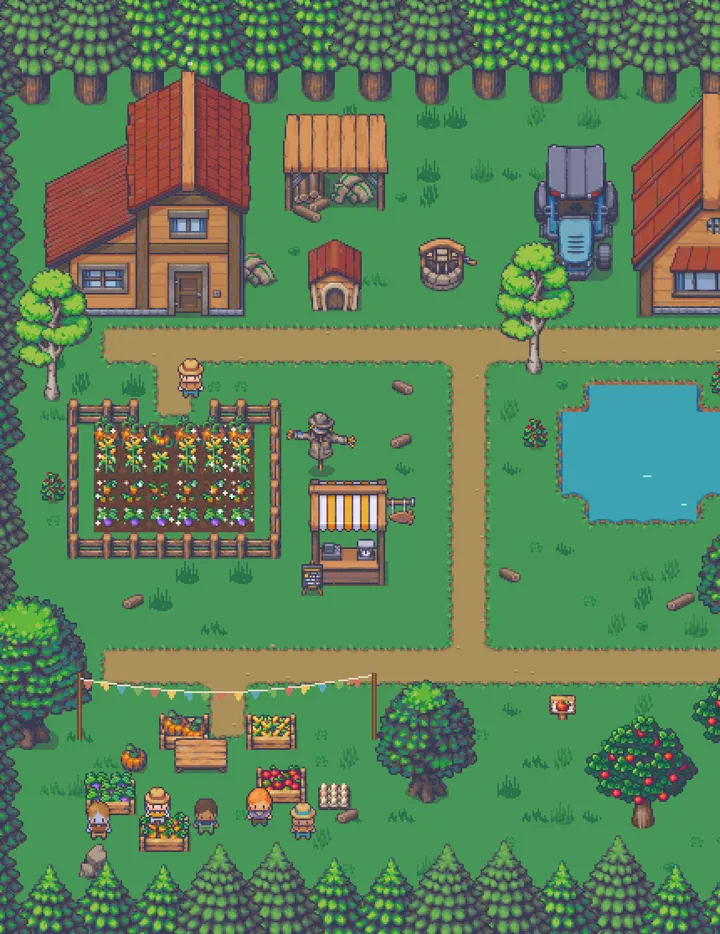 Little HarvestPlant · Tend · Restore
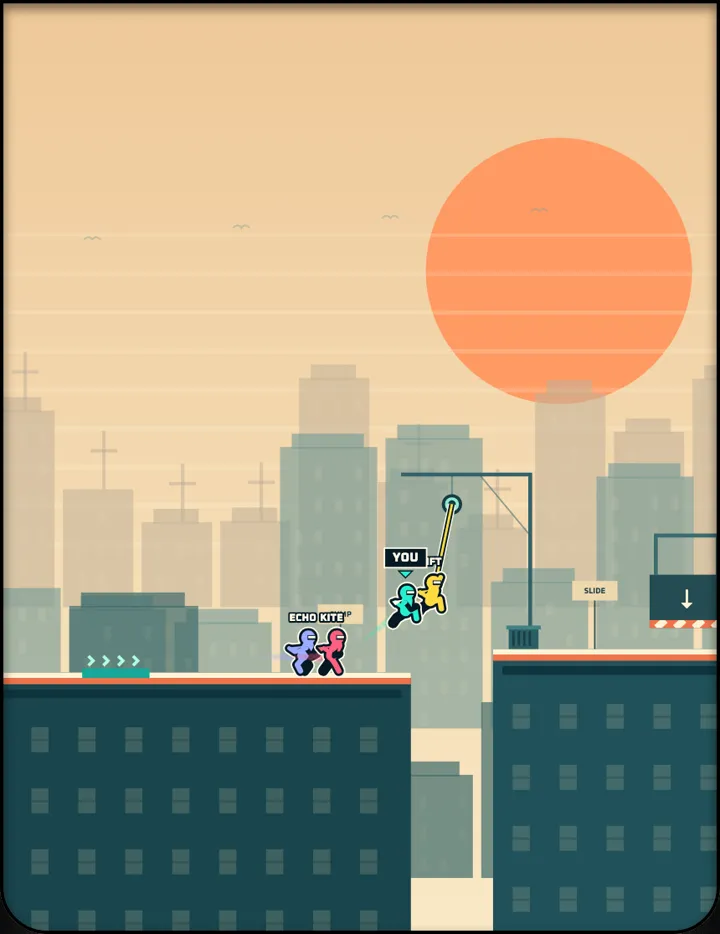 RushlineRun · Jump · Swing · Slide
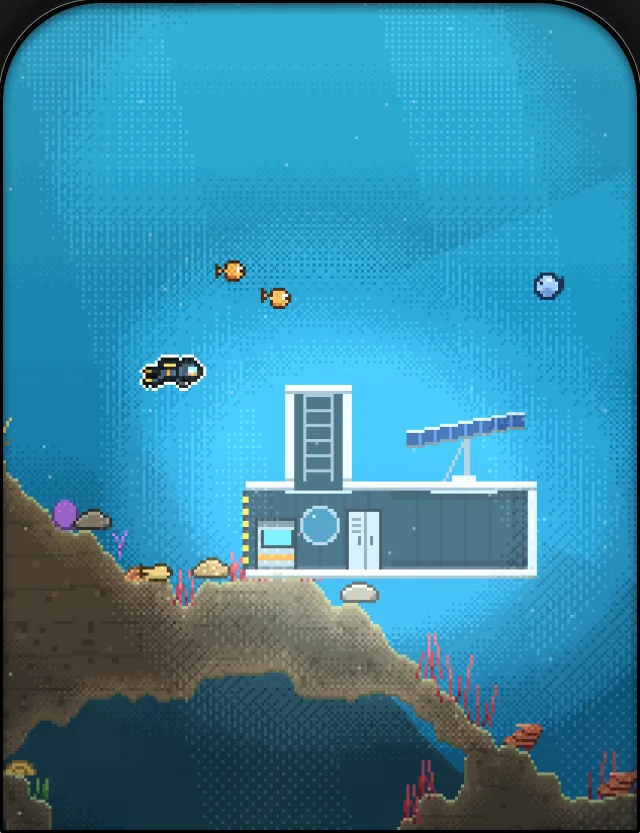
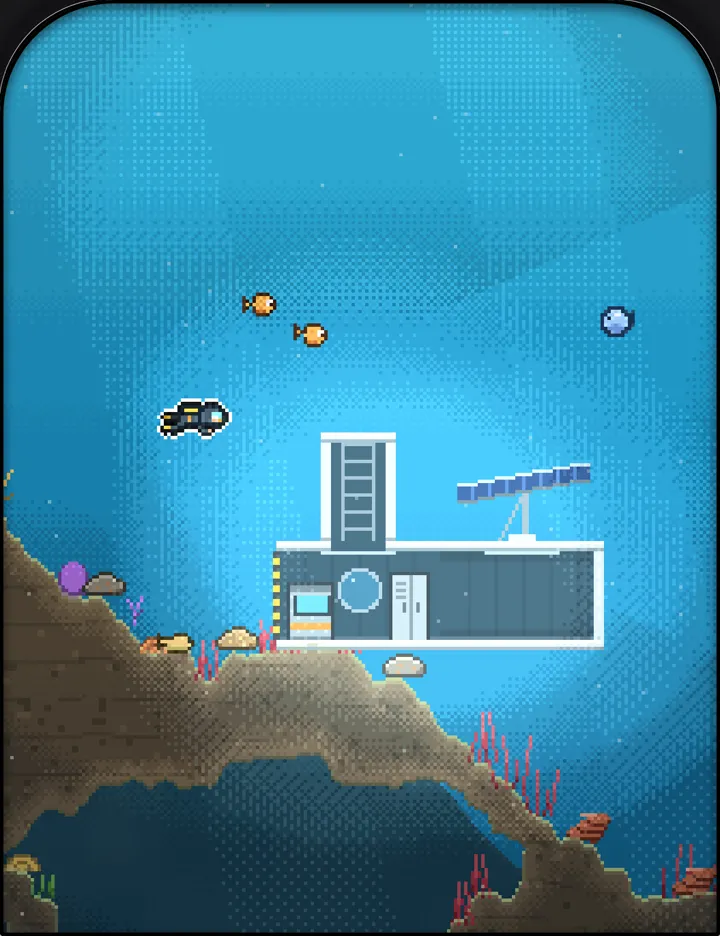 FathomGather · Craft · Build · Descend
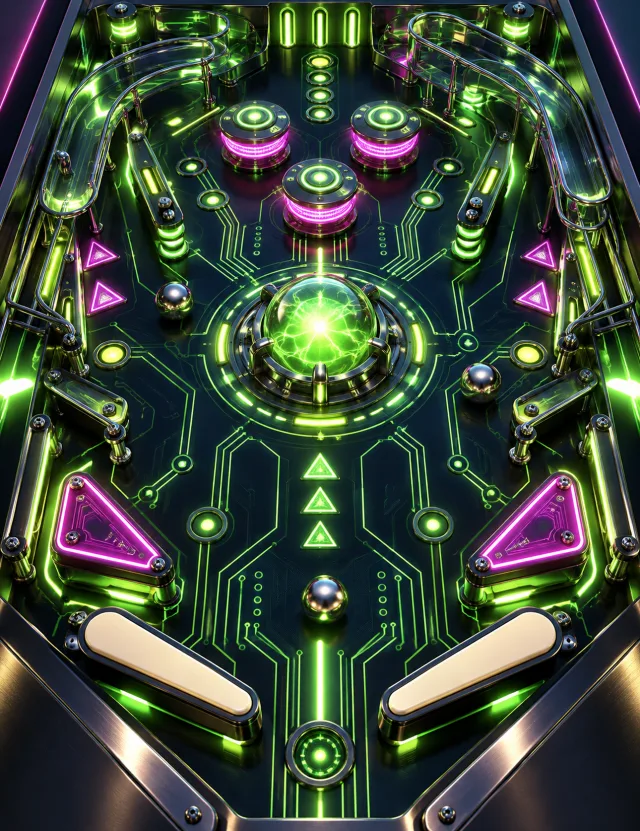
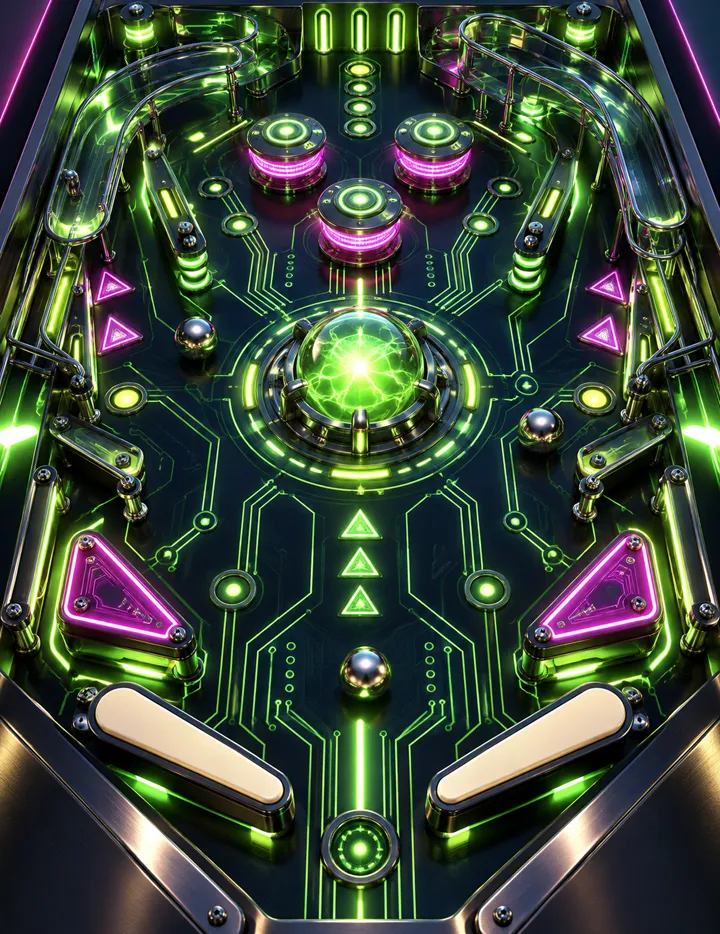 Flip CircuitFlip · Plunge · Nudge
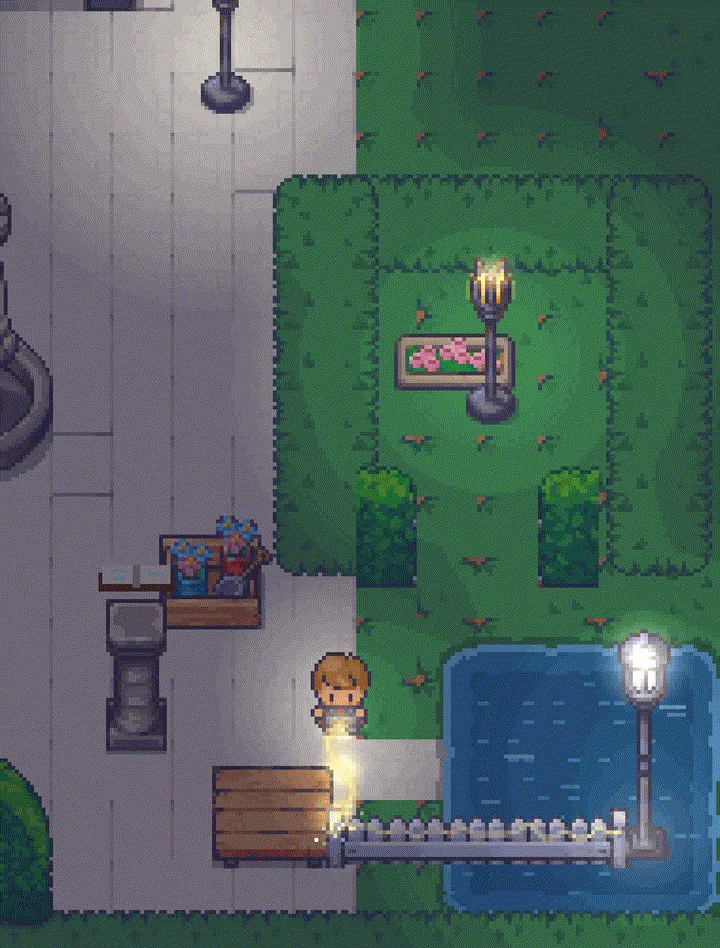 Hex EdTarget · Cast · Recharge
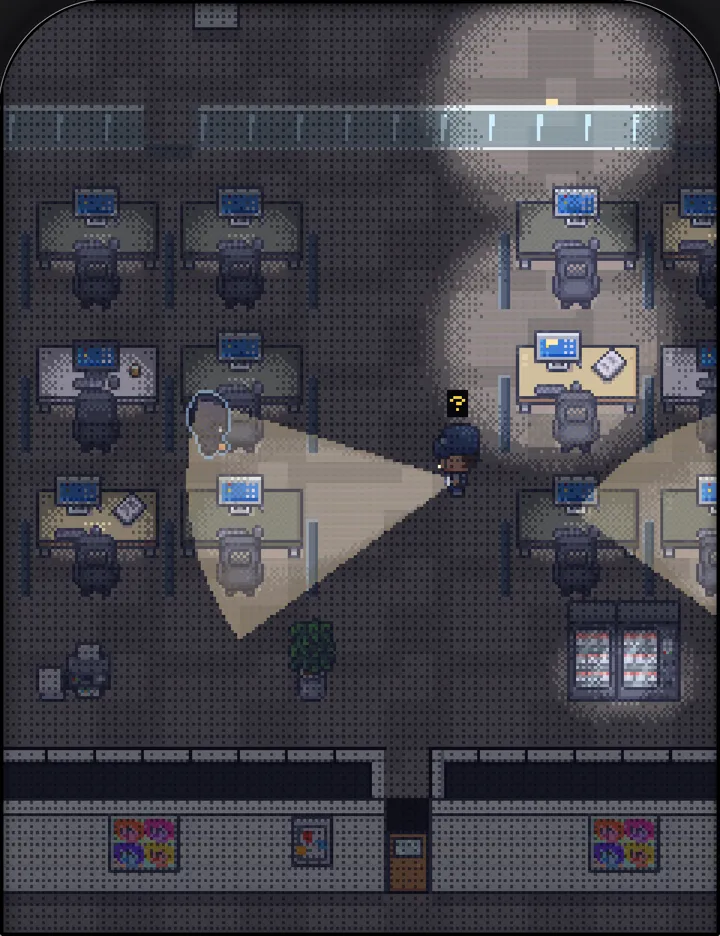 Hostile TakeoverSneak · Tranq · Hide
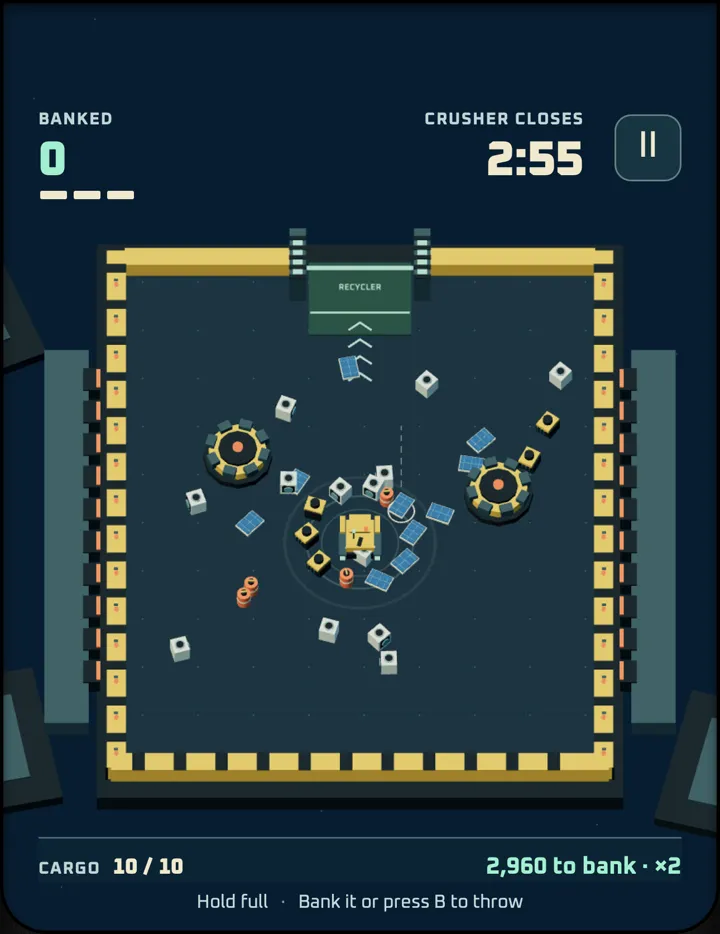 Junk OrbitCollect · Fling · Bank · Escape
 Reel DealCast · Hook · Reel
 Nova SwarmStrafe · Fire · Rescue
 Live WireRun · Ride · Arc
 Death SpiralDuel · Hop the shockwaves · Descend
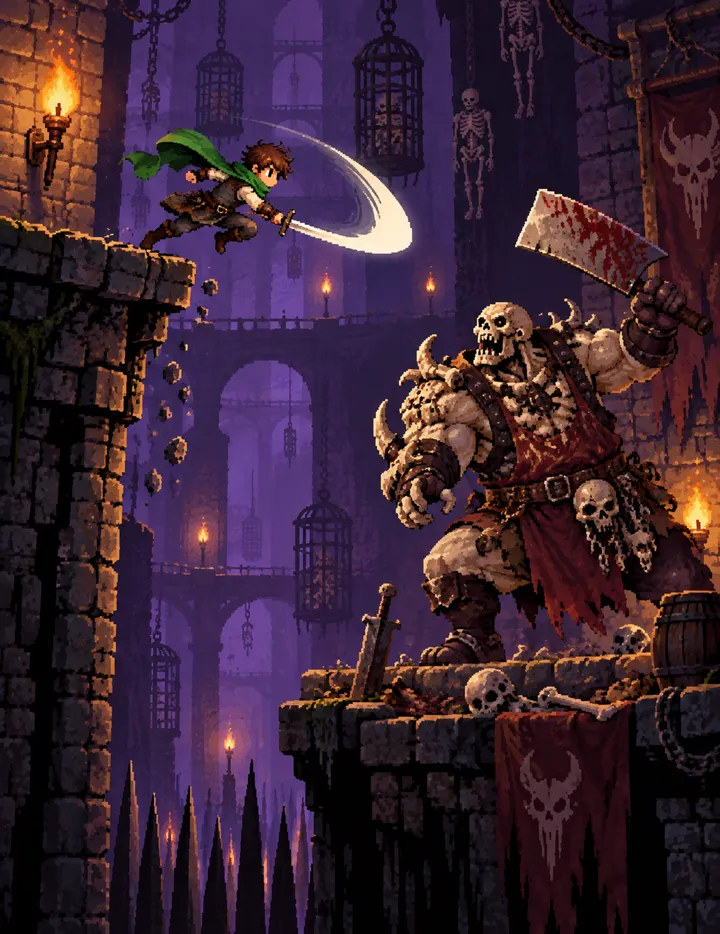 Death PitDuel · Choose a boon · Descend
 Vapor RushSteer · Drift · L/R side thrust
 Dangerous DeliverySteer · Accelerate · Drift
 Stuffie SnatcherSteer the claw · Drop · Collect
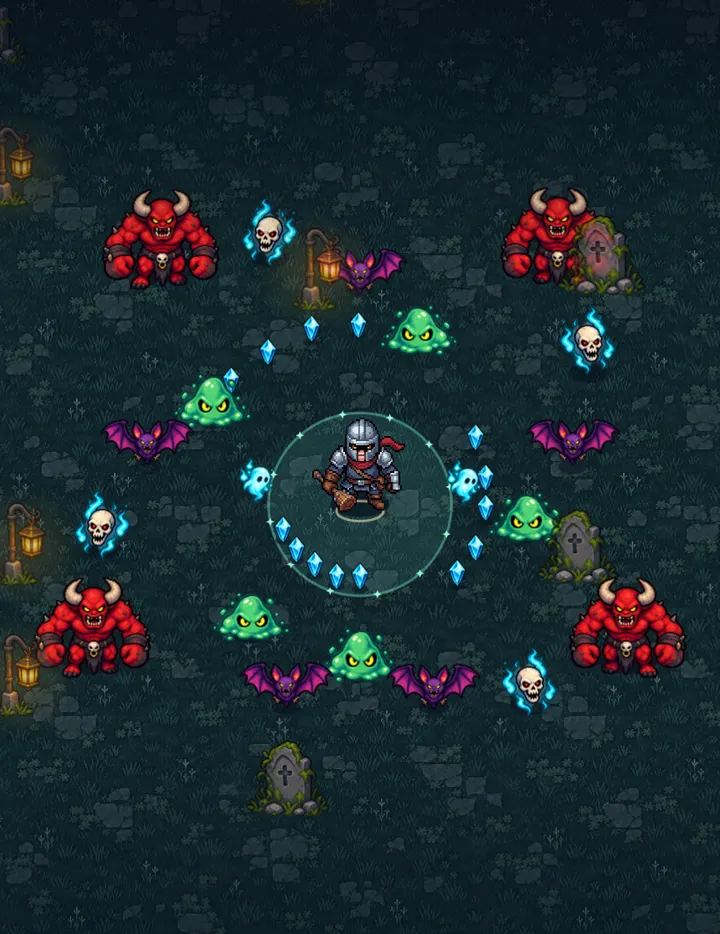 Bonk After DarkSurvive · Level up · Bonk
 Cinder DepthsHack · Leap · Loot
 Tee TimeAim · Swing · Putt
 Pin DropAim · Bowl · Hook
 Racket RumbleMove · Charge · Special
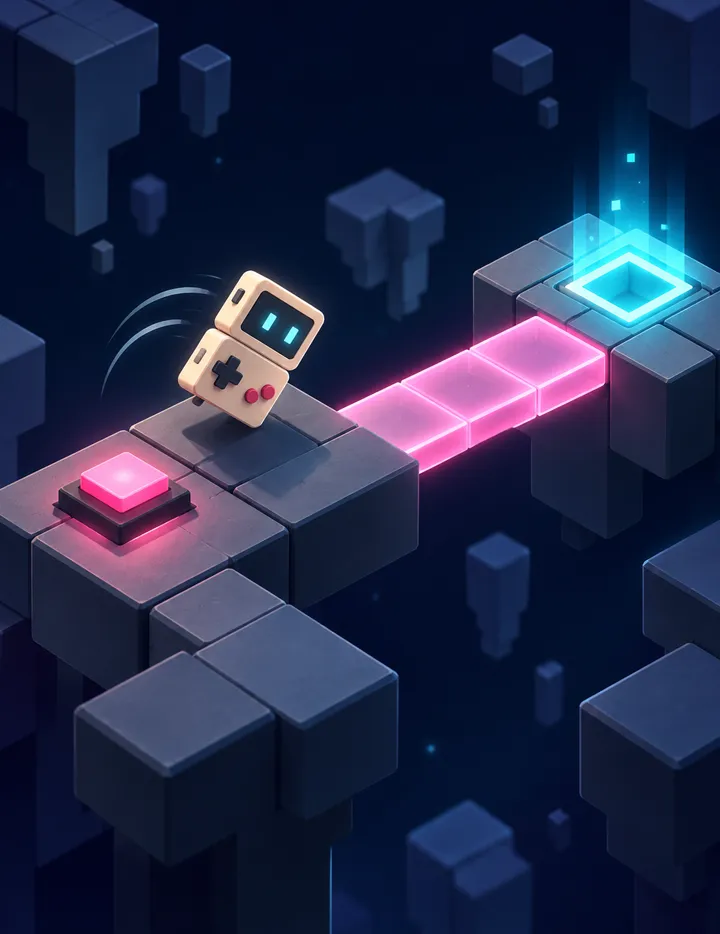 Neon TumbleRoll · Undo · Solve
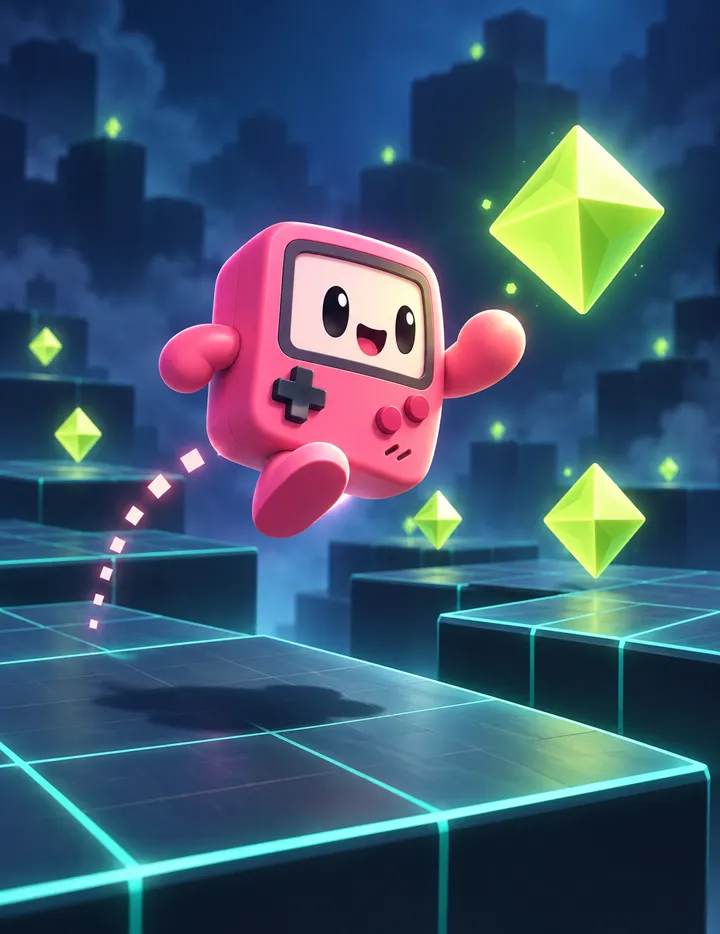 3D PlaygroundMove · Jump · Dash
Tap a cartridge for its details.
How to Play
Open the arcade
Go to arcade.playcase.gg in your browser, or use the iPhone app. On iPhone, add the site to your Home Screen so it runs full screen and the buttons line up.
Snap on your PlayCase
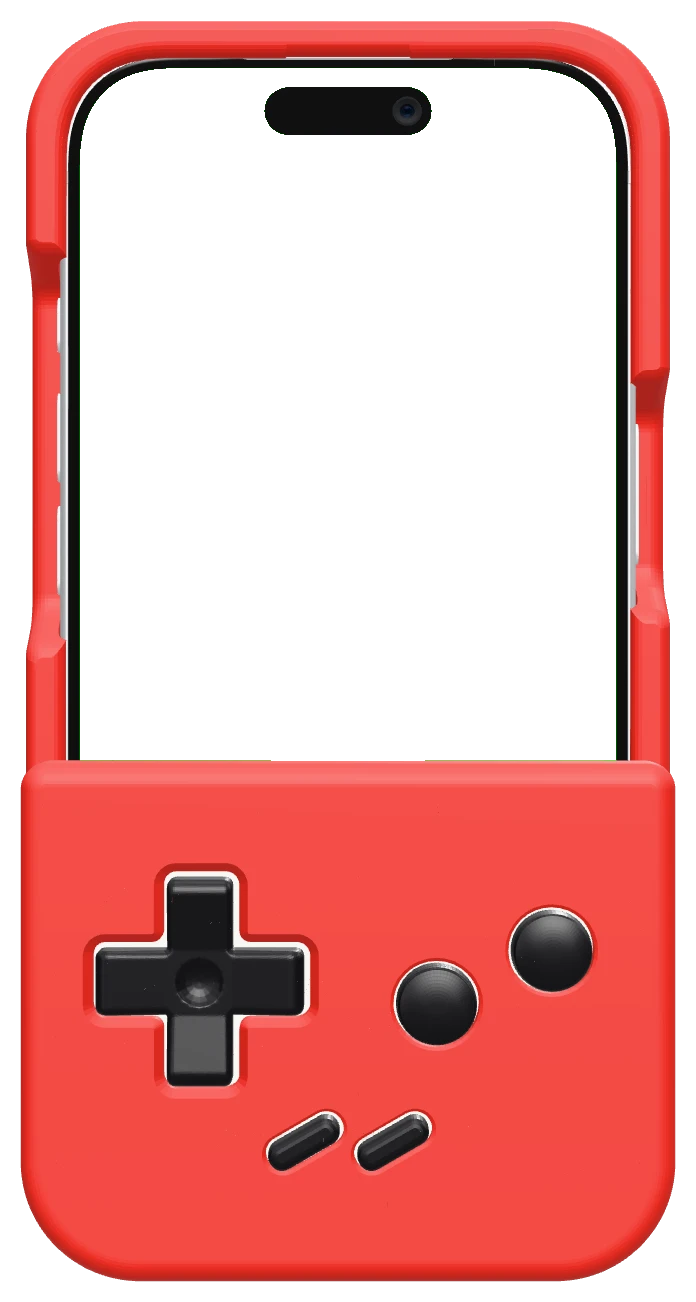
Handheld and Classic faceplates work today. Dual Screen support is still in the works.
Pick a game and play
Every game shows its buttons on screen too, so you can play with touch, or with a keyboard on a computer. They feel best with real buttons.
Questions
What is PlayCase Arcade?
A collection of 24 original games made to play with PlayCase buttons. It's free for everyone, on iPhone and on the web at arcade.playcase.gg.
Do I need a PlayCase to play?
No. Every game shows its buttons on screen, so you can play with touch, or with a keyboard on a computer. They're made for real buttons, though, and that's where they feel best.
What devices are supported?
iPhones running iOS 16.4 or later in the iOS app, and modern browsers on the web. On iPhone, add arcade.playcase.gg to your Home Screen so it runs full screen and the buttons line up. Handheld and Classic faceplates work today; Dual Screen support is still in the works.
How do I get new games?
New games are added as they are finished. On the web they appear the next time you open the arcade; in the iPhone app they arrive with updates.
How do I join the iOS beta?
The iPhone beta is invite-only for now while we polish it, and a public beta link is coming soon. Until then, every game is free to play at arcade.playcase.gg.
Stay in the Loop
New faceplates, skins, and updates about all things PlayCase — straight to your inbox!
